ӨMΣGΛ
patreon
Here's an rather big-ish update to our Traffic pack :)
28 different Traffic vehicles
Low Poly
Simple Shaders for easier computing
CSP Setup for Server variant
NEW: Singleplayer & Server use!
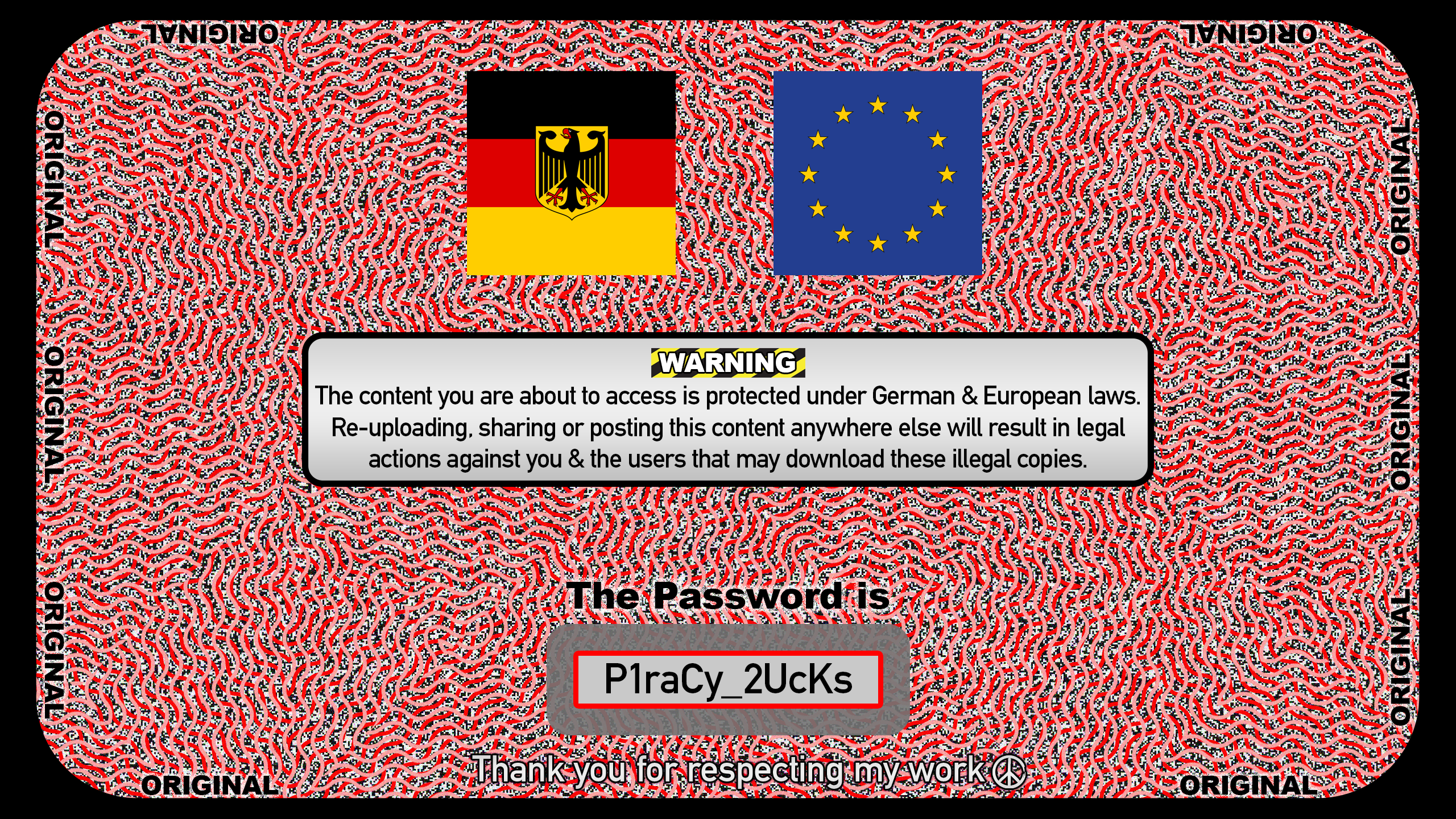
>>> Server Variant <<< | Get the password here
>>> Singleplayer Variant <<< | Get the password here
(Select your ASSETTO ROOT folder in the pop up window)
STEP 1: Open the .EXE file, Click on [...] button to select the correct folder - you can dismiss any potential warnings from Windows or your antivirus program. This file is simply an "self-extraction" program with nothing else than the advertised content in it. - if it were a virus, you would see tons of bad reviews & comments bringing this up - but oh look, nothings there :)
STEP 2: Search & select the correct Assetto Corsa folder - (NOT the one from your documents folder)
(For me it is this path - it will most likely be different on your end!)
STEP 3: Let the extraction begin by pressing "Extract"
After its done the install process is finished.
The same way of installation applies to both of the Traffic packs too!
STEP 1: Start by selecting this "TRAFFIC" mode from the dropdown menu
(not there? update your csp!)
And make sure you have a "Singleplayer" Hometown layout selected.
STEP 2: We recommend setting between 100 - 300 Traffic cars
It all depends on how fast your car is, slower cars allow more fun if the traffic is a bit denser (200-300) - faster cars on the other hand are more enjoyable if you have bigger gaps in the traffic pattern. (100)
STEP 3: Override the "Top speed multiplier" value by clicking on the number and manually typing the number 3 into the box. Now your ready to go - The Traffic pack above needs to be installed for the best experience.
PATREON EXCLUSIVE FEATURE.

![[RELEASE] Exclusive German Traffic pack V1.1](https://img5.patrefans.com/storage/8/bz/si/563145-019e82f1-72d8-7c0c-880c-213d7d2d20be.png)
why cars are slow? I make top speed multipler tp 2x.
Make sure you have installed the track the correct way as told in the install instructions
hi, why my track didn't show traffic? how to fix it?